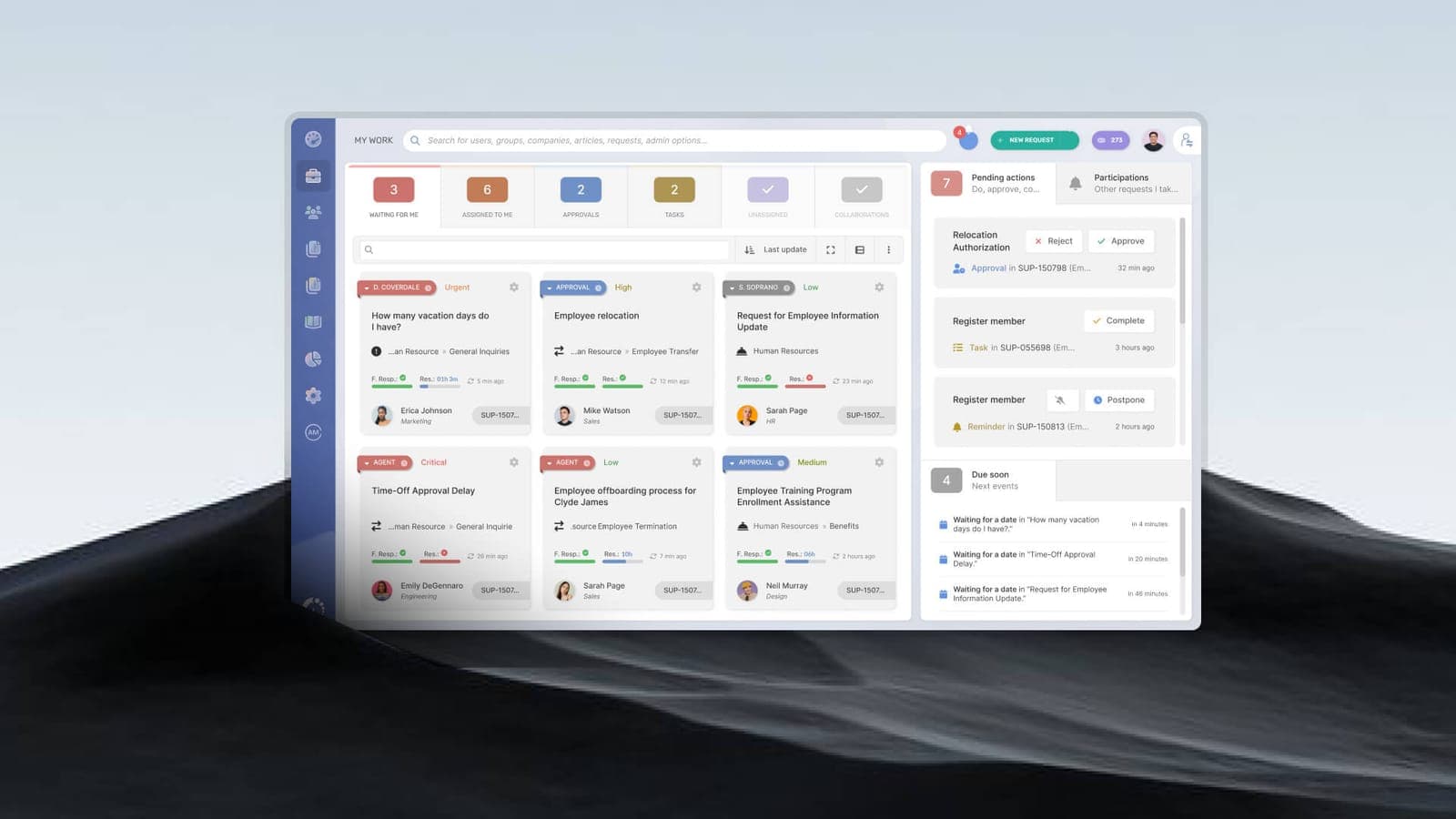

Across every business, IT support queues fill with a surprisingly similar set of issues. On their own they are minor. But the *pattern* of what your team keeps logging is one of the most useful signals you have about where your IT setup is weak — and where it is quietly draining productivity.
The usual suspects
- Password resets and account lockouts — the single most common ticket, and a strong case for self-service and single sign-on.
- Slow computers and applications — often aging hardware, too little memory, or background processes.
- Connectivity drops — Wi-Fi dead zones or an overloaded link (see why your network is slow).
- Email problems — delivery issues, spam, or storage limits.
- Printing and peripherals — unglamorous but a perennial time sink.
- "It just stopped working" — vague issues that need real diagnosis.

What the pattern reveals
A good support operation does not just close these tickets — it looks for trends. Twenty password resets a week points to an authentication problem. Repeated slowness on the same machines points to an end-of-life hardware issue. This is the difference between a helpdesk that fixes symptoms and a service desk that removes causes.
How good support handles them
- Resolve the common issues fast at first line, against clear response and resolution targets.
- Track trends to spot and eliminate recurring root causes.
- Escalate genuinely hard problems to the right specialists.
- Reduce ticket volume over time through prevention, not just speed.
If the same problems keep interrupting your team, that is a sign your IT needs a more structured approach — see the signs you need managed IT, or talk to us.
Topics
- common IT support issues
- IT helpdesk best practices
- how to manage IT support tickets
- IT support response vs resolution time