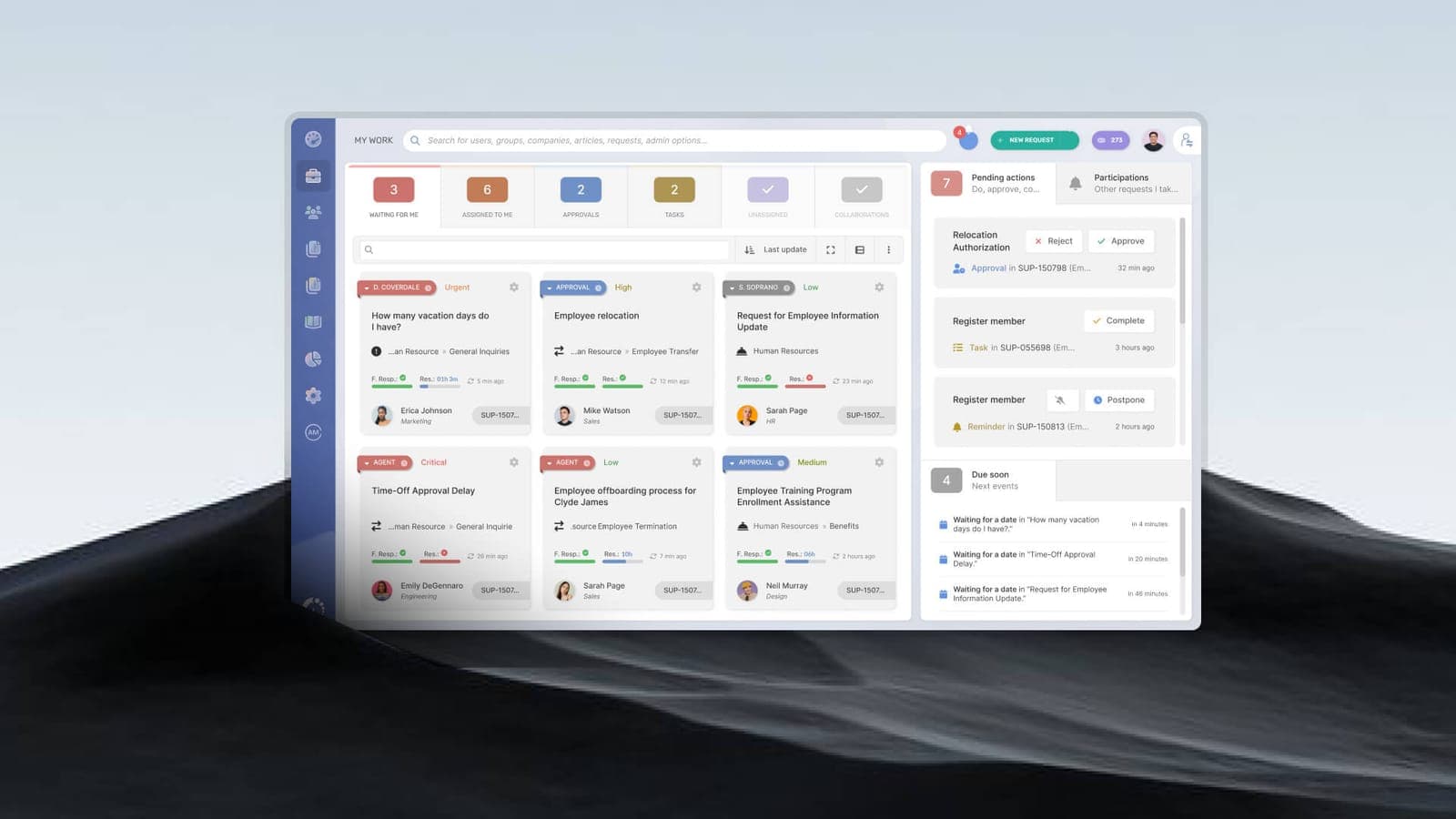
Behind good IT support is an unglamorous but essential system: the ticket. Every request, issue, and incident becomes a tracked ticket with a status, an owner, and a clock. This is what turns "I emailed someone about it last week" into measurable, accountable support.
What is a ticket?
A ticket is a record of a single request or issue. It captures who reported it, what the problem is, its priority, who is working on it, and every action taken — from creation to resolution. Nothing falls through the cracks because everything has a paper trail.
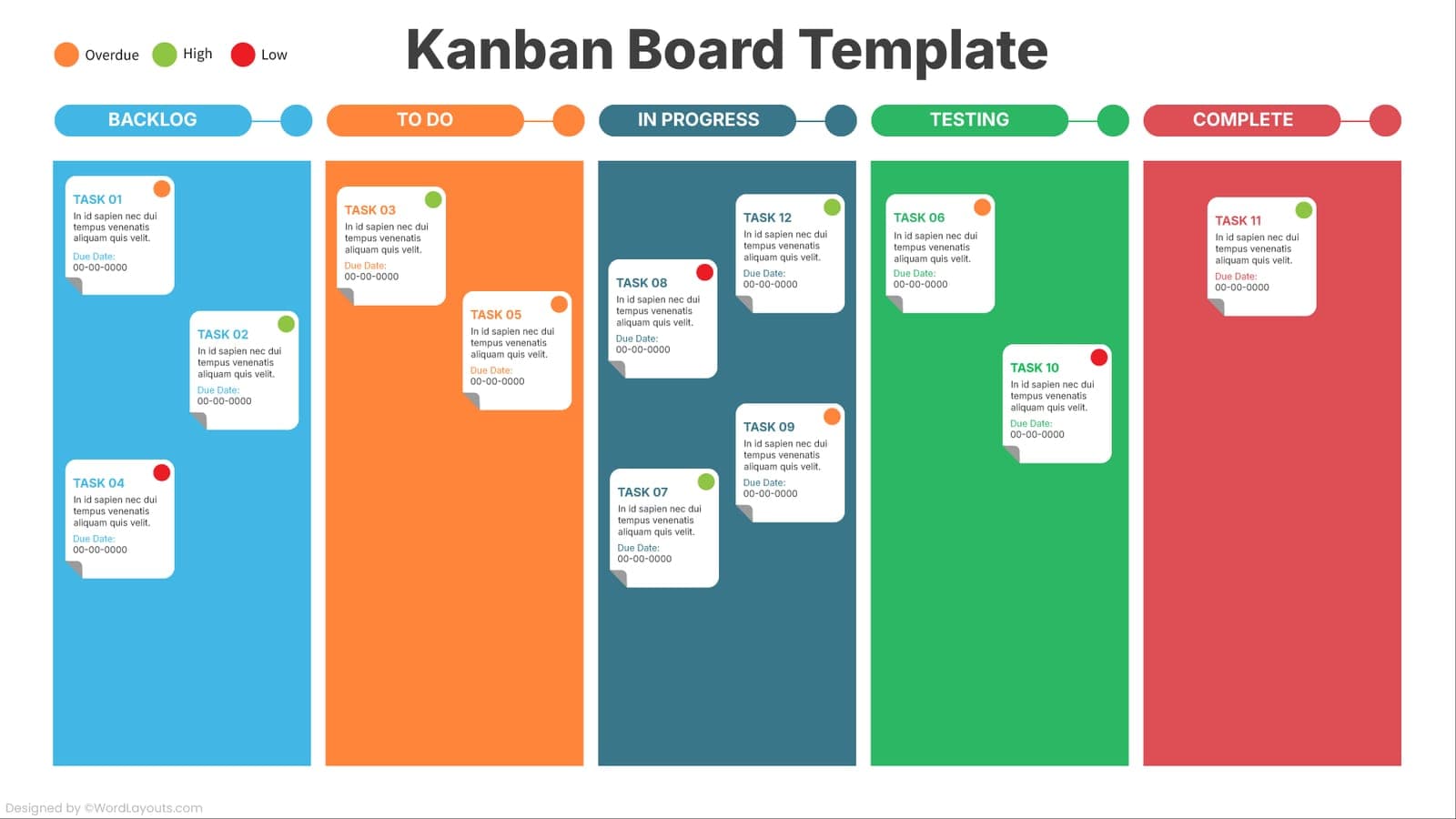
The lifecycle of a ticket
- Logged — a user reports an issue by email, portal, phone, or chat, and a ticket is created.
- Categorised & prioritised — the ticket is classified and assigned a priority that sets its SLA targets.
- Assigned — it is routed to the right person or support tier.
- Worked & updated — the engineer investigates, acts, and logs progress; the requester can see status.
- Escalated (if needed) — harder issues move up to L2 or L3.
- Resolved & closed — the fix is confirmed with the user, and the ticket is closed with a record of the solution.
How ticketing supports SLAs
Ticketing and SLAs work together. The moment a ticket is logged, the SLA clock starts. The system tracks response and resolution times against the priority-based targets, flags tickets at risk of breaching, and gives both you and the provider honest reporting on performance.
What good ticket management looks like
- Multiple ways to log a ticket — portal, email, phone, chat.
- Clear, consistent prioritisation tied to business impact.
- Visible status so requesters are not left guessing.
- Trend analysis to find and eliminate recurring problems.
- Reporting you can actually see, not just the provider.
Ticket-based support is the backbone of SLA-driven IT support. It is what lets a provider promise — and prove — fast, reliable resolutions.
Topics
- how IT ticketing systems work
- ticket-based IT support
- how to manage IT support tickets
- how IT ticketing systems work