
IT support is usually organised into tiers — levels of expertise an issue passes through until it is resolved. Understanding the structure helps you read provider proposals, set expectations, and know whether your issues will reach the right level of skill.
The support tiers
Tier 1 (L1) — first-line support
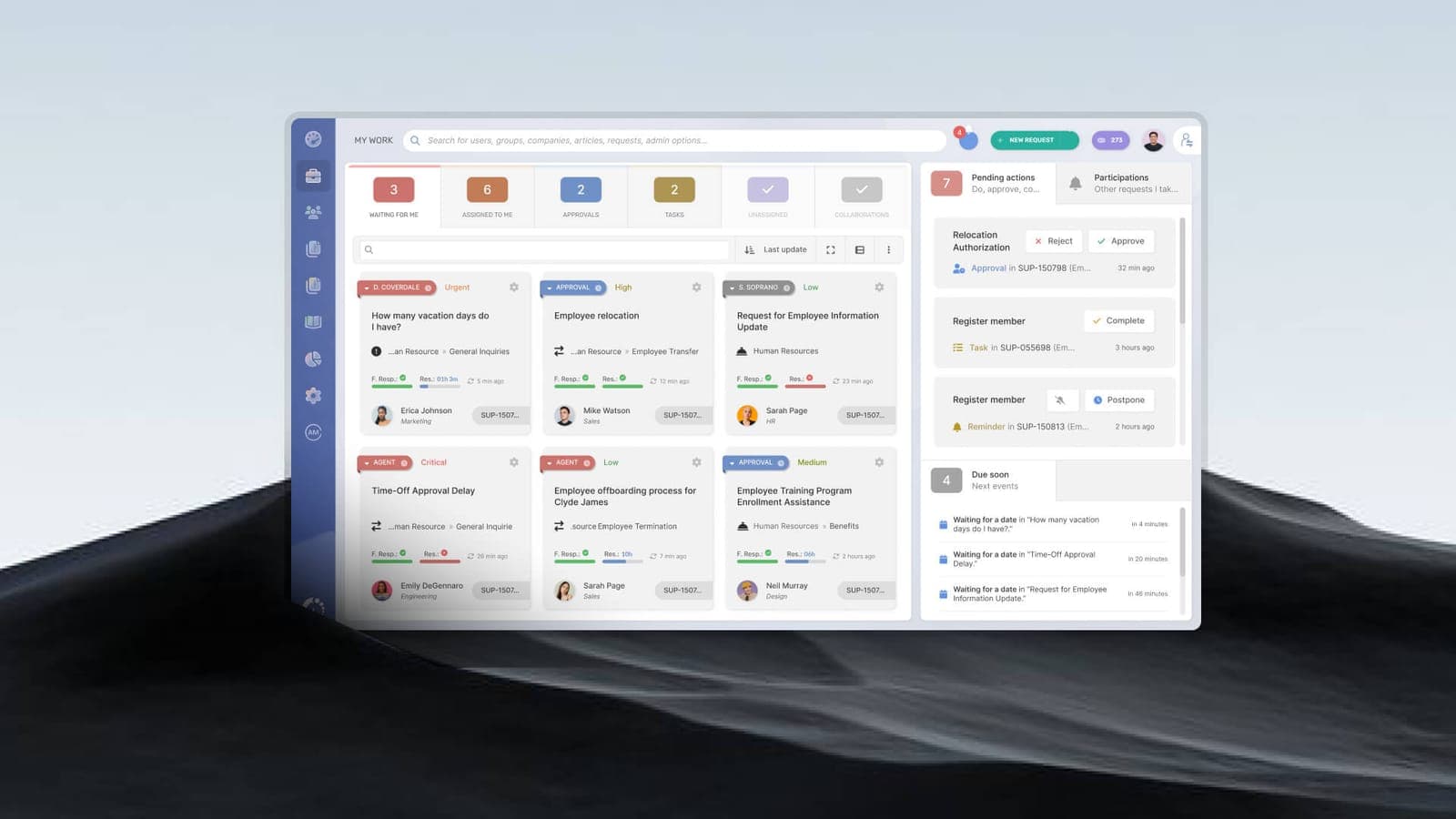
The front door. L1 handles common, well-documented issues: password resets, account lockouts, basic connectivity, and "how do I" questions. They resolve the majority of tickets quickly and escalate what they cannot.
Tier 2 (L2) — technical support
More experienced engineers who handle problems L1 cannot — deeper troubleshooting of devices, applications, networks, and configurations. They take escalations and resolve the harder cases.
Tier 3 (L3) — expert / specialist support
The deepest expertise: senior engineers and specialists in networking, security, cloud, and infrastructure. L3 handles complex, novel, or architecture-level problems and often overlaps with project and implementation work.
Helpdesk vs service desk
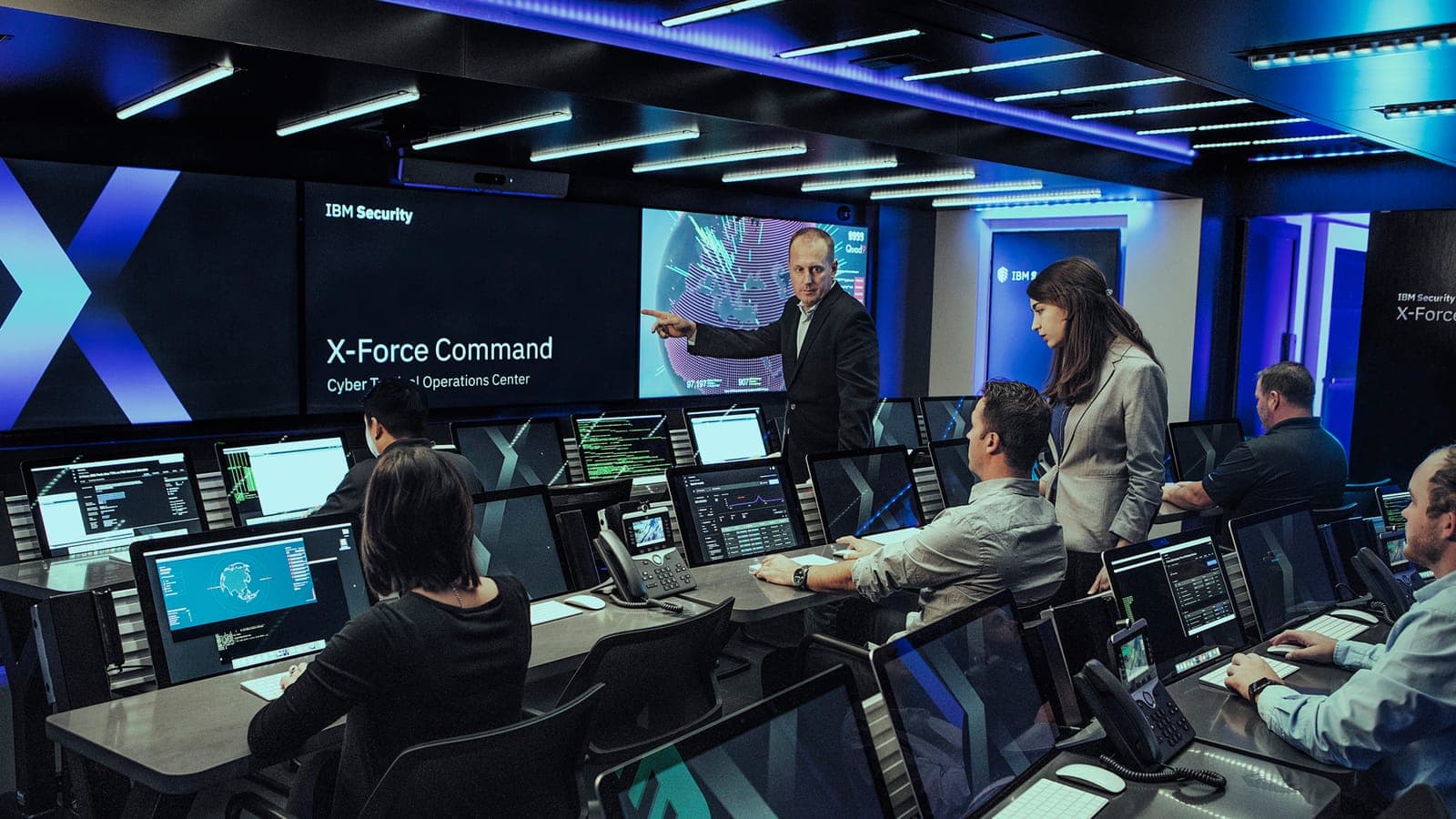
These terms are often used interchangeably, but there is a real distinction. A helpdesk is focused on resolving incidents — fixing what is broken for users, reactively. A service desk is broader: it manages incidents *and* service requests, change, and the overall relationship between IT and the business, aligned to ITSM practice.
In short: a helpdesk fixes problems; a service desk manages IT as a service. Larger or more mature organisations tend to need the latter.
What this means when you are buying
- Ask how tickets are triaged and escalated between tiers.
- Confirm you have access to L3 specialists, not just first-line staff.
- Check whether you are getting incident-only support (helpdesk) or full service management (service desk).
- Tie the tiers to your SLA so priority issues reach the right level fast.
Topics
- IT support tiers explained
- IT helpdesk vs service desk
- IT helpdesk best practices
- IT operations support