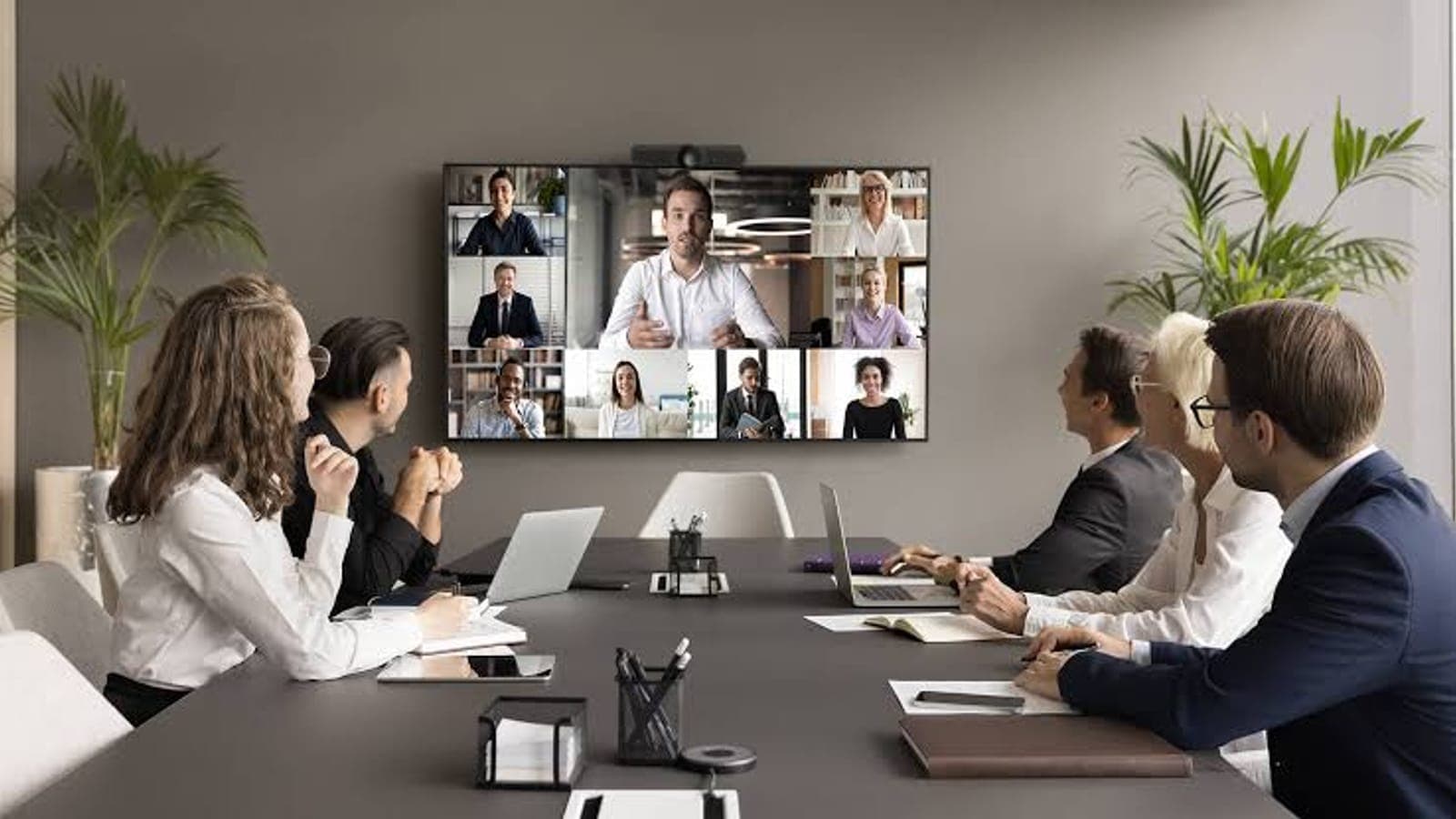
Remote and hybrid work permanently changed what IT support has to do. When your team is spread across homes, sites, and cities, "walk over to the IT desk" is gone — and the perimeter that used to protect everyone in one office is gone too. Supporting distributed teams well takes three things working together: secure access, managed devices, and responsive remote support.
1. Secure remote access
Staff need to reach systems and data securely from anywhere — through modern VPN or zero-trust access, not ports opened to the internet. Combined with multi-factor authentication, this is the foundation. See enabling secure remote access.
2. Managed, secured devices
Every remote laptop is part of your network and a potential entry point. Endpoint protection, disk encryption, patching, and device management keep them secure wherever they are — the practices covered in securing your business network.

3. A responsive remote helpdesk
Most issues can be resolved remotely — screen sharing, remote control, and a ticketing system that works by portal, email, chat, and phone. The key is fast, defined response and resolution so a remote worker is never stuck for hours.
What about hardware?
Remote-first does not mean remote-only. Some things still need hands on — new hardware, a failed device, a new site. A good provider blends remote efficiency with on-site coverage when it is genuinely needed.
Supporting a distributed team? The Remote Workforce package is built for exactly this — or talk to a specialist.
Topics
- remote IT support
- IT support for remote teams
- secure remote access
- enable remote access