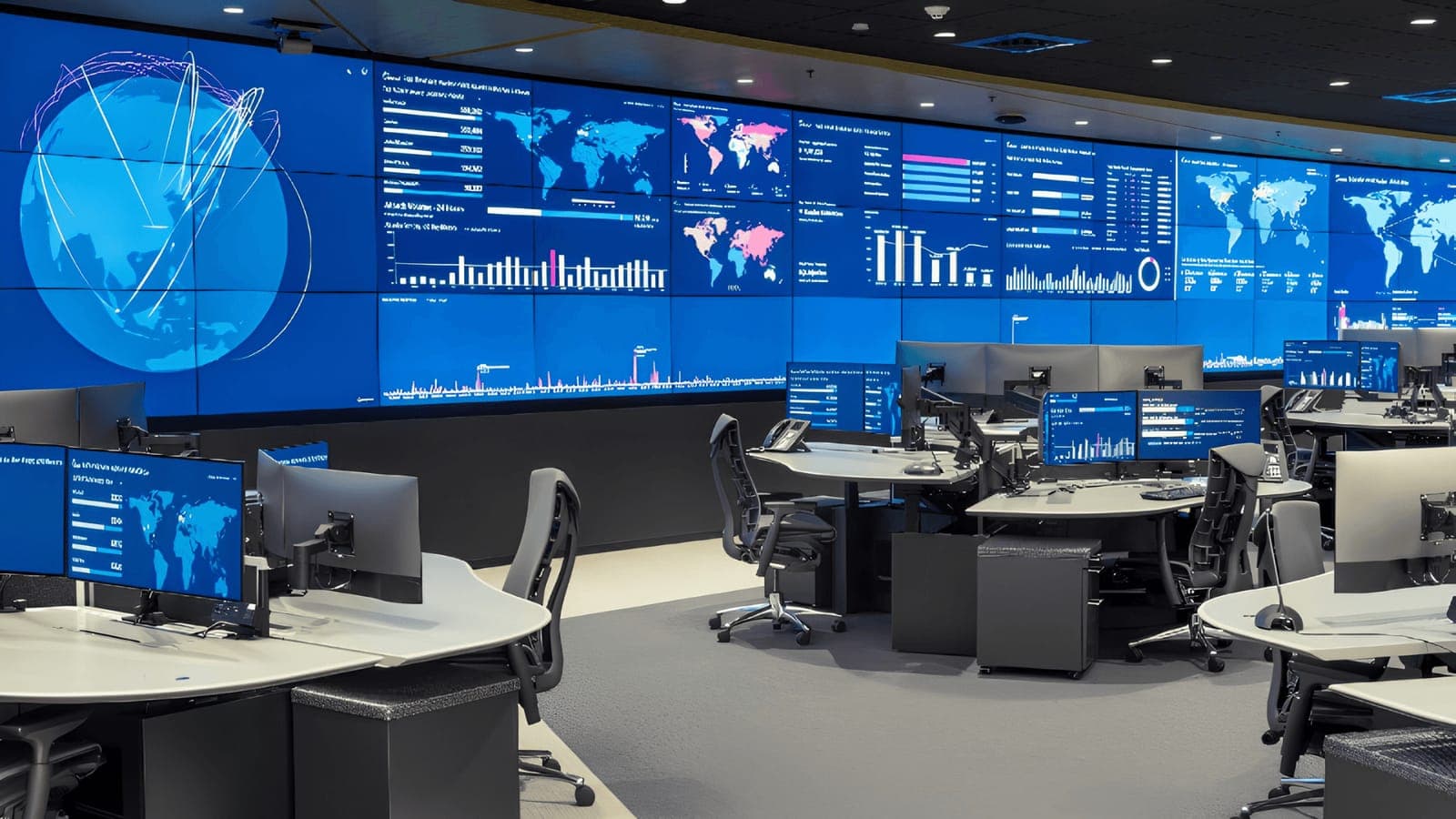
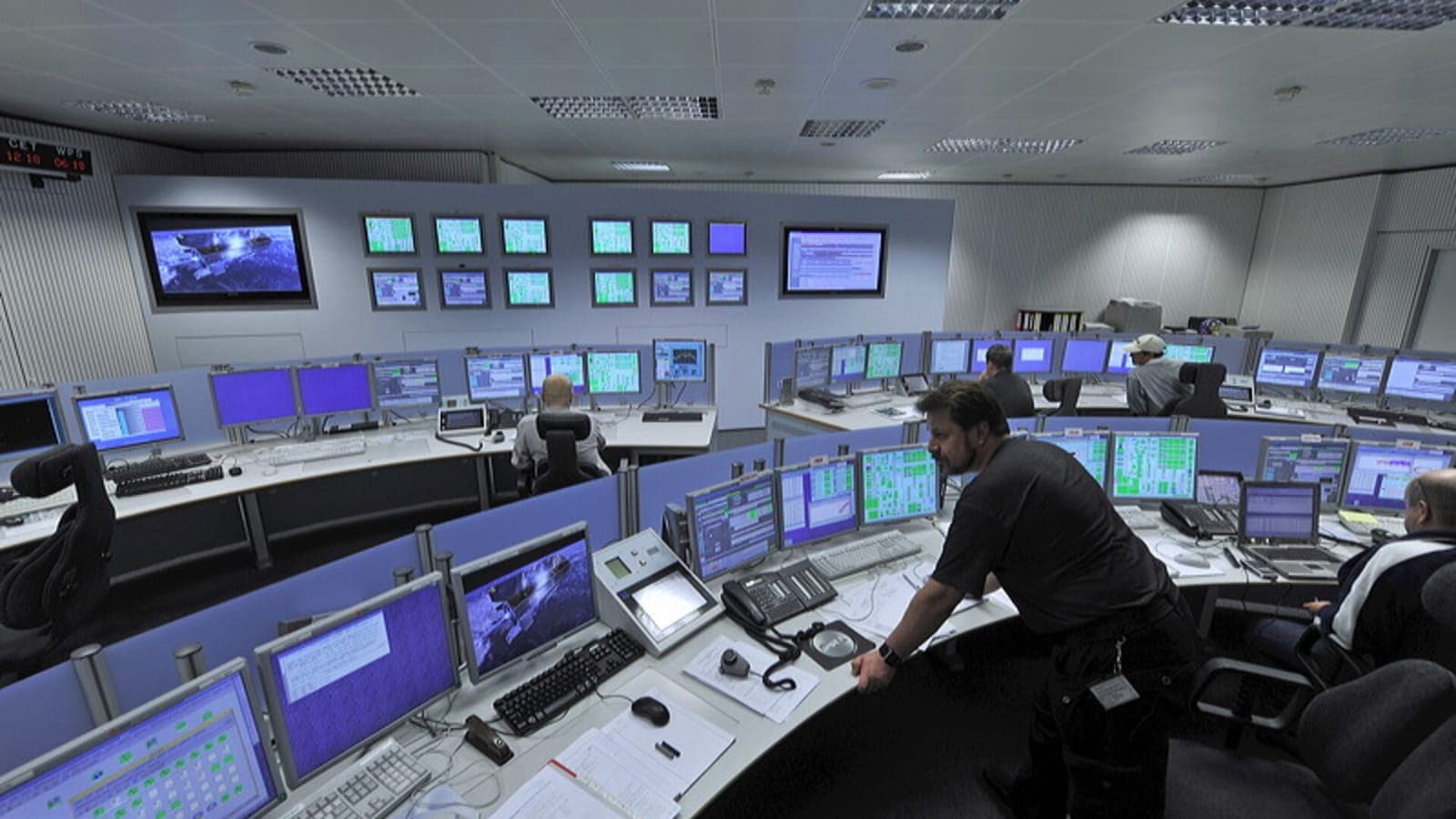
Your business runs around the clock even when your team does not. Backups run overnight, systems process data after hours, and a disk that fills at 2am does not wait until 9am to cause an outage. That is the case for 24/7 IT monitoring: software and specialists watching your systems continuously, so problems are caught and fixed before anyone notices.
What 24/7 monitoring actually watches
- Servers — disk space, memory, CPU, and service health.
- Networks — connectivity, bandwidth saturation, and device status.
- Backups — whether last night’s backup actually succeeded.
- Security — unusual logins, malware alerts, and suspicious traffic.
- Applications — whether the business-critical apps are responding.
Why "after hours" is when it matters most
Many failures surface outside business hours precisely because that is when scheduled jobs, backups, and updates run. Without monitoring, a problem that began at midnight is discovered by your staff at 9am — after hours of damage. With monitoring, an alert fires the moment a threshold is crossed and the issue is resolved while everyone sleeps.
The business case
Monitoring reduces downtime, improves security through early threat detection, and makes costs predictable by replacing emergencies with small, scheduled fixes. For a clear sense of what an outage actually costs you, see the true cost of IT downtime.
Monitoring vs alerting vs response
Good monitoring is more than dashboards. It is monitoring (watching), alerting (flagging the right issues without drowning you in noise), and response (someone actually acting on the alert under an SLA). All three matter — a dashboard nobody watches is just decoration.
Want to know what is happening across your systems right now? A conversation with a specialist or our IT assessment is the place to start.
Topics
- why businesses need 24/7 IT monitoring
- 24/7 IT support services
- IT monitoring services
- IT system monitoring
- network monitoring services
- server monitoring solutions