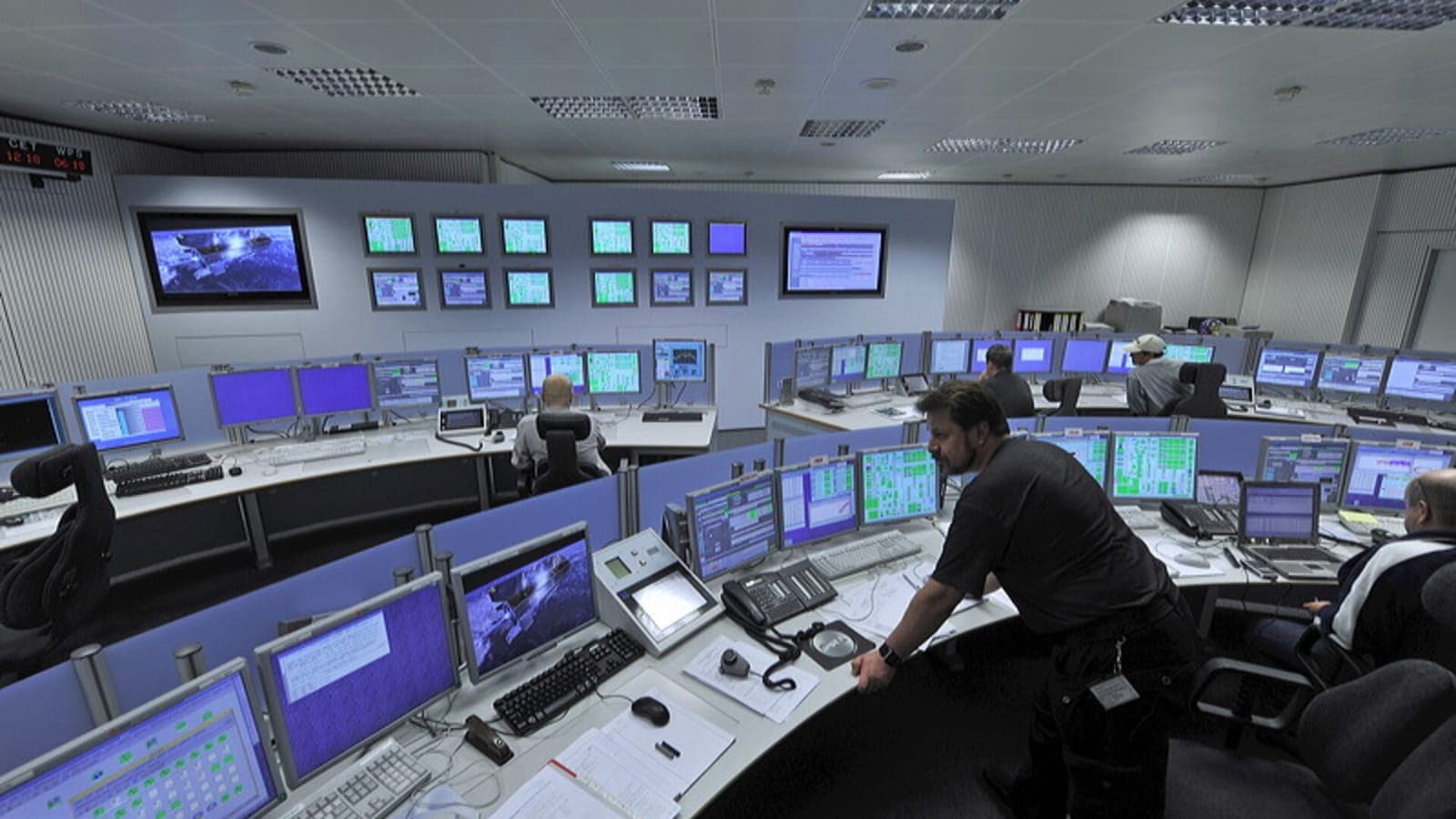

When IT works invisibly, it is rarely luck — it is proactive maintenance. The scheduled, often unseen work of patching, updating, monitoring, and housekeeping is what prevents the outages and breaches that reactive IT spends its life firefighting. Here is what it involves and why it pays for itself.
What proactive maintenance includes
- Patching and updates — keeping operating systems and software current to close security and stability gaps (patching).
- Monitoring — continuous 24/7 watching so issues are caught early.
- Backup verification — confirming backups actually succeed and restore.
- Housekeeping — clearing disk space, rotating logs, and tuning performance before they cause problems.
- Hardware health checks — spotting failing components before they fail.

Why scheduled beats ad-hoc
The difference between proactive and reactive support is timing. Reactive maintenance happens after something breaks, under pressure, at the worst moment. Proactive maintenance happens on a calm schedule, before anything breaks — which is cheaper, safer, and far less disruptive.
Who does it
Proactive maintenance is exactly what a managed IT model is built to deliver — because the provider is paid a fixed fee, preventing problems protects their margin as much as yours. In a break-fix model, nobody is incentivised to do it.
If your IT only gets attention when something breaks, you are paying for the most expensive kind. Talk to us about moving to a proactive footing.
Topics
- proactive IT maintenance
- IT infrastructure maintenance
- how proactive IT support saves money
- proactive vs reactive IT support